Sidebar
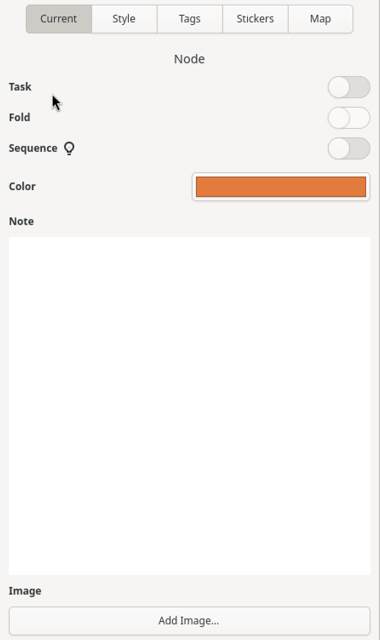
The sidebar displays and exposes additional functionality about the currently selected node, connection, element styling or the mind-map itself. It is comprised of five tabbed panels: Current, Style, Tags, Sticker and Map. By default, the sidebar is not displayed, allowing the canvas to be front and center.
To display or hide the sidebar, click on the right-most header bar button or use the keyboard shortcut. To show the sidebar without keeping it open, hover the mouse over the header bar button then move the mouse into the sidebar. In this mode, the sidebar will remain visible until the mouse cursor exits the sidebar where it will remain in the “hidden” state.